A phone of its own.
Each container keeps its own virtual model, serial number and device name. Generated once, saved across launches and reboots.
Separate profiles. Saved identities. Your own connection.
A little more space for every account.
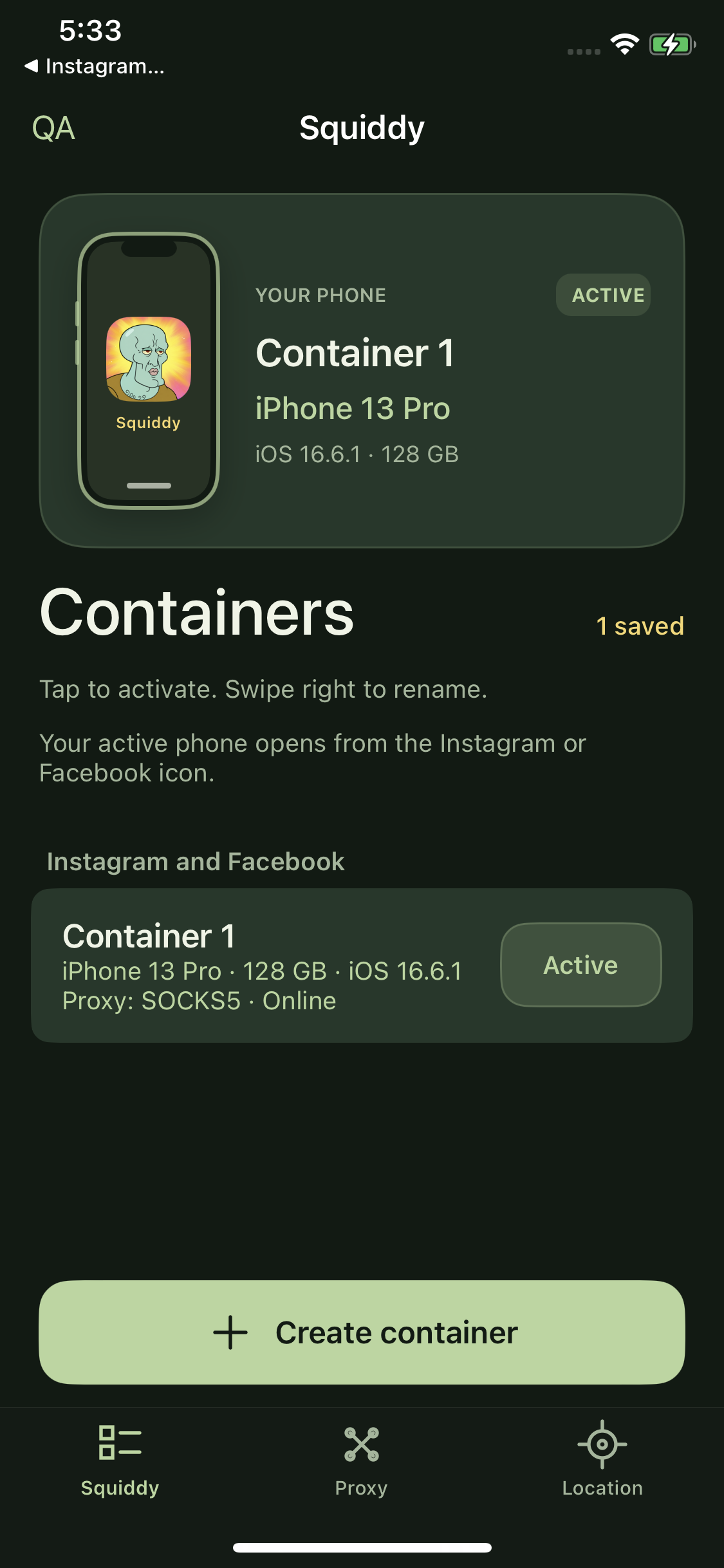
Inside Squiddy.Actual app screenshot · captured on iPhone X
Choose a container in Squiddy. Then open Instagram or Facebook from its familiar Home Screen icon.
Each container keeps its own virtual model, serial number and device name. Generated once, saved across launches and reboots.
Assign an HTTP or SOCKS5 proxy to each container. Test the connection, check its status, and rotate supported proxies in one place.
Separate signed app copies use their own storage and exclusive keychain groups. One active container at a time.
Message @sctweaks on Telegram for a license and your installation details. Setup links are shared directly.
We recommend assigning and testing a mobile proxy before your first account login. A container without an assigned proxy uses a direct connection.
 A LITTLE MORE ROOM TO BE YOU.
Get your license and installation details
directly from @sctweaks.